Tutorials
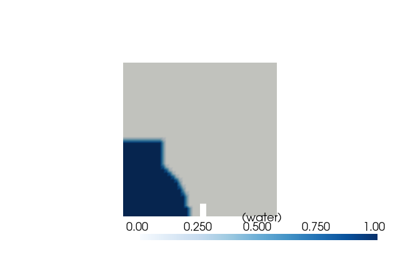
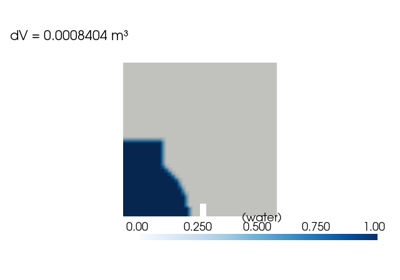
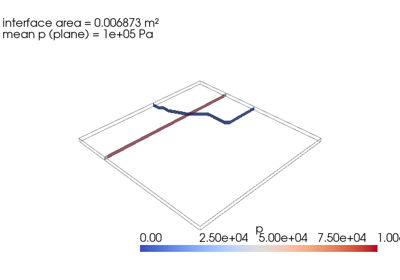
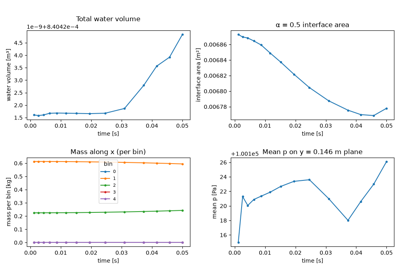
A single learning arc, end-to-end, through the envisaged pyOFTools workflow: set up initial conditions, instrument the run with an in-situ post-processor, grow the post-processor with more monitors, then run the solver live and plot what it produced. Each tutorial builds on the previous one — work through them in order.
All five run against the damBreak case shipped at examples/damBreak/;
pyOFTools.clone_example() copies it to a tmp directory so the on-disk
baseline stays pristine.
Prerequisites
OpenFOAM v2406+ sourced (
source $FOAM_INST_DIR/etc/bashrc).pybFoam and pyOFTools installed.
The
libembeddingPython.soplug-in available — required for Run live with the solver, then plot, optional for the rest.